Codigo77 Failed Withdrawal: Why Your GCash or Maya Cashout Was Declined
Codigo77 Failed Withdrawal: Why Your GCash or Maya Cashout Was Declined
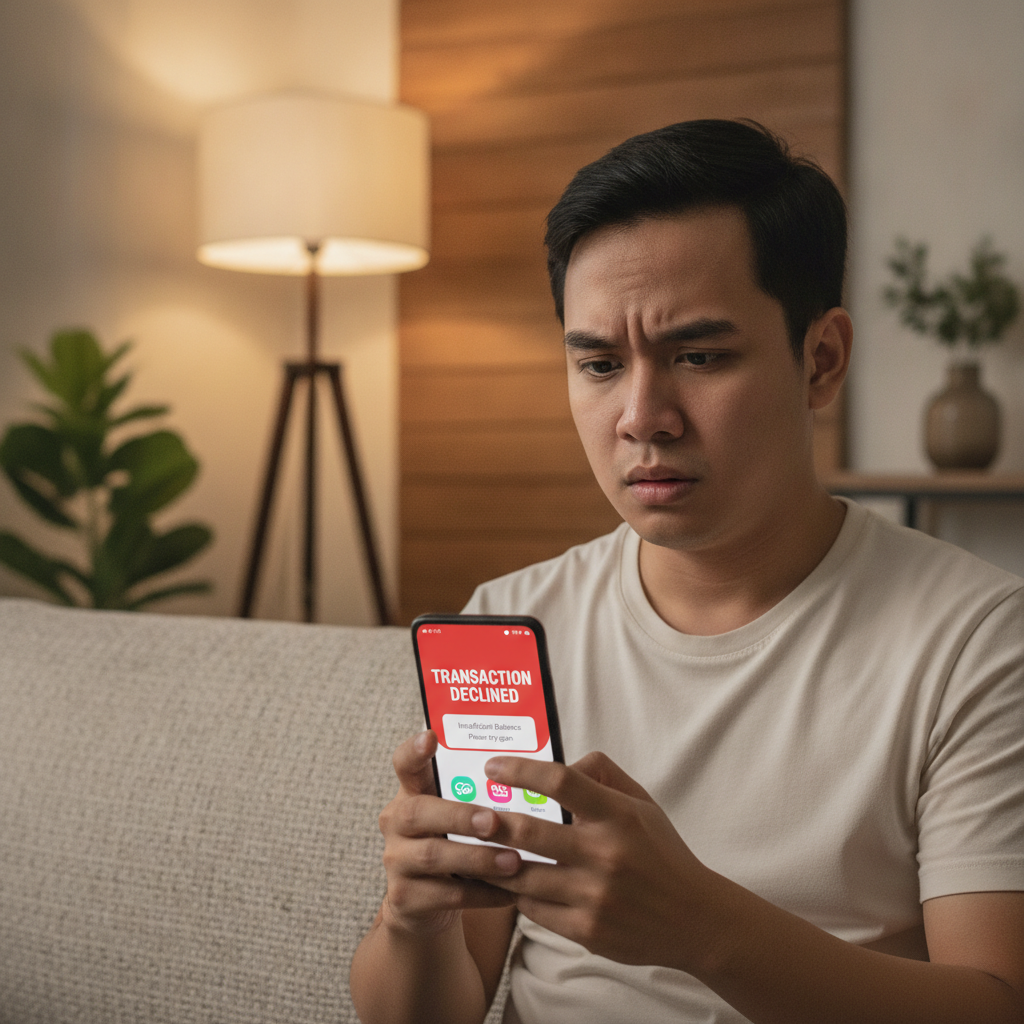
Seeing a declined or failed withdrawal on Codigo77 can be frustrating, especially when you need your winnings transferred to GCash or Maya. Most cashout problems have straightforward causes—often a verification issue, incomplete bonus terms, or a mismatch between your casino account details and your e-wallet name.
This guide walks through the most common reasons Codigo77 withdrawals get declined and shows you how to check your transaction history, fix the problem, and resubmit your cashout request.
Reminder: Codigo77 is for players aged 21 and over. Always play within your means and set limits you can afford.
Common Reasons Your Codigo77 Withdrawal Was Declined
Name Mismatch Between Codigo77 and Your E-Wallet
The most frequent cause of a declined withdrawal is a name mismatch. Codigo77 requires the name registered on your casino account to match exactly with the name on your GCash or Maya account. Even small differences—like a missing middle initial, a nickname instead of your legal name, or a misspelled surname—can trigger an automatic decline.
How to check:
- Open your GCash or Maya app and look at the account name displayed in your profile or wallet home screen.
- Compare it character-by-character with the name you used when you registered at Codigo77.
How to fix:
- If your Codigo77 account name is incorrect, contact Codigo77 customer support via live chat or email. You will usually need to upload a valid government ID (driver's license, passport, or postal ID) that shows your legal name.
- If your GCash or Maya account is under a nickname, you may need to verify your e-wallet account with your real name through their app settings before Codigo77 will process the withdrawal.
Unverified Codigo77 Account
Codigo77 typically requires players to verify their account before processing a withdrawal, especially for first-time cashouts. Verification proves your identity and helps prevent fraud.
What verification involves:
- Uploading a photo of a valid government-issued ID.
- Sometimes a selfie holding your ID or a utility bill showing your address.
- Codigo77 support may email or message you in-app if additional documents are needed.
How to check if your account is verified:
- Log in to Codigo77 and look for an "Account Verification" or "KYC" section in your profile or settings menu.
- If your status shows "Pending" or "Not Verified," your withdrawal will likely be declined until verification is complete.
Next steps:
- Submit the required documents as soon as possible. Verification can take anywhere from a few hours to two business days, depending on support workload.
- Once approved, you can resubmit your withdrawal request.
Bonus Wagering Requirements Not Met
If you claimed a deposit bonus, free spins, or any promotional offer on Codigo77, you must complete the wagering (or turnover) requirement before you can withdraw. This is standard across online casinos in the Philippines.
How wagering works:
- A bonus with a 10× wagering requirement on a PHP 200 bonus means you need to place PHP 2,000 in bets before you can cash out.
- Not all games count equally: slots usually contribute 100%, but live dealer games and some table games may contribute less or not at all.
- If you try to withdraw before meeting the rollover, Codigo77 will decline the cashout and may forfeit the bonus and any winnings tied to it.
How to check your wagering progress:
- Go to the "Bonus" or "My Account" section in Codigo77.
- Look for a progress bar or a line that says "Wagering: PHP X / PHP Y" or "Rollover remaining."
What to do:
- If wagering is incomplete, continue playing eligible games until you hit the target, then resubmit your withdrawal.
- If you no longer want the bonus, contact support to cancel it—this will forfeit bonus funds but may unlock your deposit and any winnings you made with your own money.
GCash and Maya Account Status Issues
Even if your Codigo77 account is in good standing, problems on the GCash or Maya side can block incoming transfers.
Unverified E-Wallet Accounts
Both GCash and Maya have verification tiers. A "basic" or unverified account often has lower transaction limits and may not accept large casino withdrawals.
GCash:
- Fully Verified accounts (with ID uploaded) can receive larger amounts and have higher monthly limits.
- If your GCash account is not verified, you may hit a limit before your Codigo77 cashout can arrive.
Maya:
- Maya requires upgrading to a verified account to unlock higher receiving limits.
- An unverified Maya account may reject or hold incoming transfers above a certain threshold.
How to fix:
- Open your GCash or Maya app and complete the verification process: upload a valid ID and sometimes a selfie.
- Once upgraded, wait a few hours or overnight for the system to update, then ask Codigo77 support to retry the withdrawal.
Limited or Suspended E-Wallet Accounts
If GCash or Maya flags your account for suspicious activity—such as frequent large transactions from unfamiliar sources—they may temporarily limit or suspend receiving funds.
Common triggers:
- Receiving many transfers from different casino or payment platforms in a short period.
- Account activity that doesn't match your usual spending pattern.
How to tell:
- You may see a notice in your GCash or Maya app saying "Account under review" or "Transaction limit reached."
- Sometimes the e-wallet will simply reject the incoming transfer without a detailed reason.
What to do:
- Contact GCash or Maya customer support directly (via in-app chat, hotline, or social media) to ask why your account is limited and what documents or steps are needed to lift the restriction.
- Once resolved, resubmit your Codigo77 withdrawal.
Withdrawal Method Must Match Deposit Method
Codigo77, like many Philippine online casinos, often requires you to withdraw using the same payment method you used to deposit. This is an anti-money-laundering measure.
Example:
- If you deposited via GCash, you may be required to withdraw to GCash first, up to the amount you deposited.
- If you deposited PHP 300 via GCash and won PHP 1,000, you may need to withdraw the first PHP 300 to GCash, then request the remaining PHP 700 via another method or after further verification.
When this matters most:
- First-time withdrawals.
- Accounts with mixed deposit methods (GCash one time, Maya another time, bank transfer once).
How to avoid issues:
- Stick to one deposit method if possible, especially when you're new to the site.
- If you must switch, check with Codigo77 support first to confirm your withdrawal options.
How to Check Transaction History and Resubmit a Cashout Request
Viewing Your Transaction History on Codigo77
- Log in to your Codigo77 account on your phone or browser.
- Navigate to "My Account," "Wallet," or "Transaction History" (the exact label varies).
- Look for a list of deposits, withdrawals, and their statuses: Pending, Approved, Declined, or Failed.
- Tap or click on the declined withdrawal to see any notes or error messages Codigo77 provided.
Common messages and what they mean:
- "Account verification required"—upload your ID.
- "Name mismatch"—check your e-wallet name against your Codigo77 account name.
- "Bonus wagering incomplete"—finish your rollover.
- "Payment method not available"—your chosen cashout method may be temporarily offline; try another or wait.
How to Resubmit a Withdrawal Request
- Fix the issue identified (verify account, correct name mismatch, complete wagering, or resolve e-wallet problems).
- Go back to the Withdrawal or Cashout section in Codigo77.
- Enter the amount you want to withdraw (remember any minimum or maximum limits, typically PHP 100 minimum).
- Select GCash or Maya and double-check that the account number and name are correct.
- Submit the request. Codigo77 withdrawal time is usually 1 to 24 hours for e-wallets, but it can take longer during weekends or if additional checks are needed.
Tips:
- Screenshot your transaction ID and the withdrawal confirmation screen in case you need to follow up with support.
- If the same error appears again, contact Codigo77 support with your transaction ID and a description of what you've already tried.
21+ Only – Play Responsibly
Codigo77 is intended for players aged 21 and over in the Philippines. Gambling should be entertainment, not a way to make money or solve financial problems.
Practical reminders:
- Set a budget before you play and never chase losses.
- Use the deposit limit or self-exclusion tools if you feel you're spending too much time or money.
- If withdrawals are consistently declined, take a break and resolve account issues calmly—contacting support while frustrated can slow down the process.
Most Codigo77 withdrawal problems are fixable within a day or two once you know the cause. Double-check your account name, verify your identity, complete any bonus requirements, and make sure your GCash or Maya account is fully verified and in good standing. If you've done all that and the cashout still fails, reach out to Codigo77 support with your transaction history and screenshots—they can usually pinpoint the exact issue and guide you through the fix.